


Bring Mysterious Vibes to Photos
This preset creates a dark, moody grade with deep greens and rich browns. It is for anyone who wants more drama in their photos.
The look is popular on Instagram and other platforms because it reduces the palette to dark green and brown, which is simple and pleasing. The browns also help travel photos with people, creating clear separation between subjects and the background. Skin tones look warm and appealing.


Color Grading
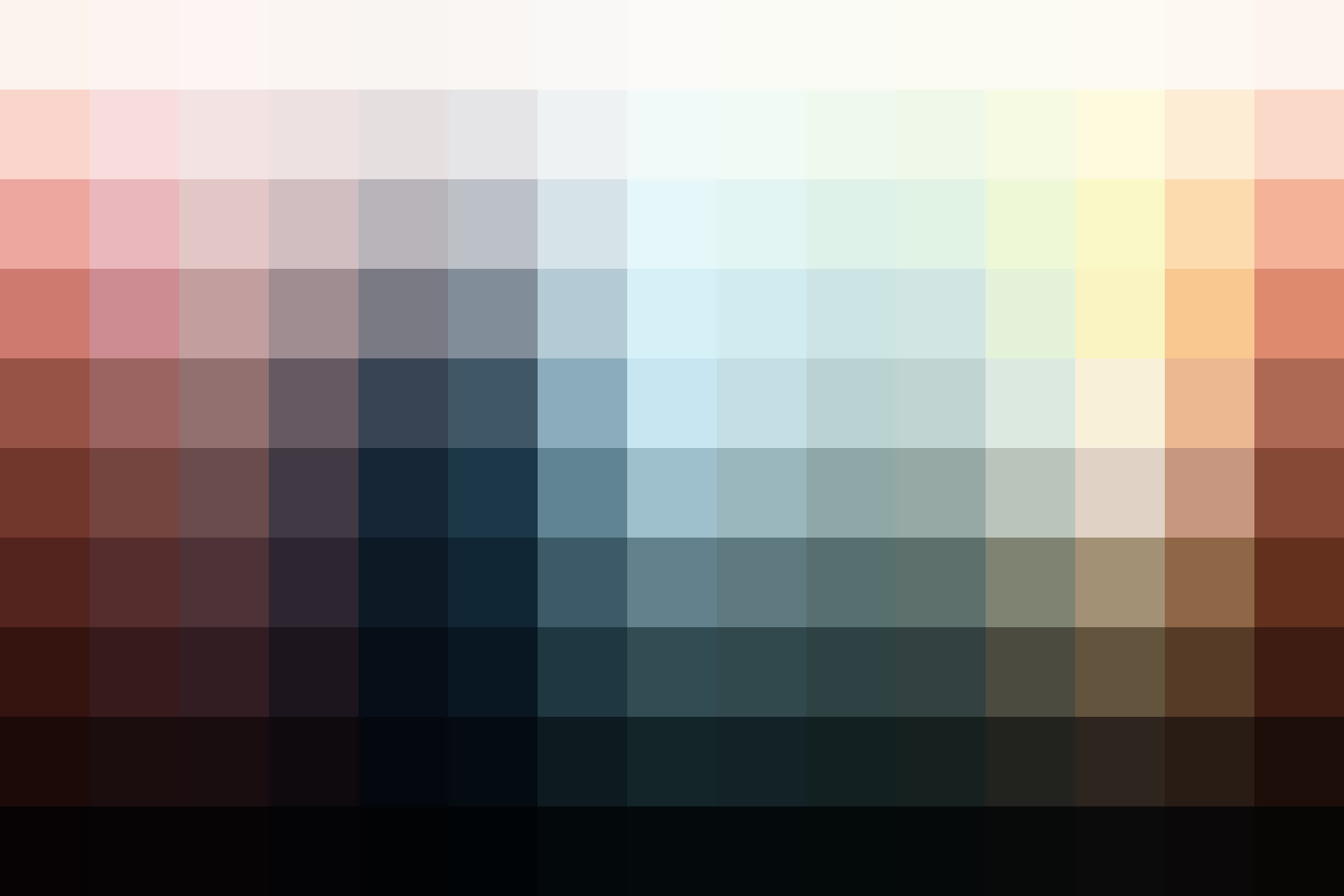
This preset creates a high contrast look with dark shadows. The colors shift towards muted reds/browns and teals.
Skin Tone Protection
In the free download, you’ll receive the standard Dark and Moody preset. If you are a Pro member, you will receive an additional Lightroom Preset with skin tone protection. This preset uses VOXCOLOR’s Skin Tone Protection algorithm to restore the original skin tones, making it ideal for portraits.


Reviews
1.0 1 rating
Used this preset? Sign in to share a quick review.Log in to reviewCreate a free account


